First login to the web with login and password
Enter in the input line the name of the site with your server before «.easymerch.ru» or follow the ссылке
«الخادم» – the name of the company you work for, e.g. Fazer, Lavazza, Huawei, etc.
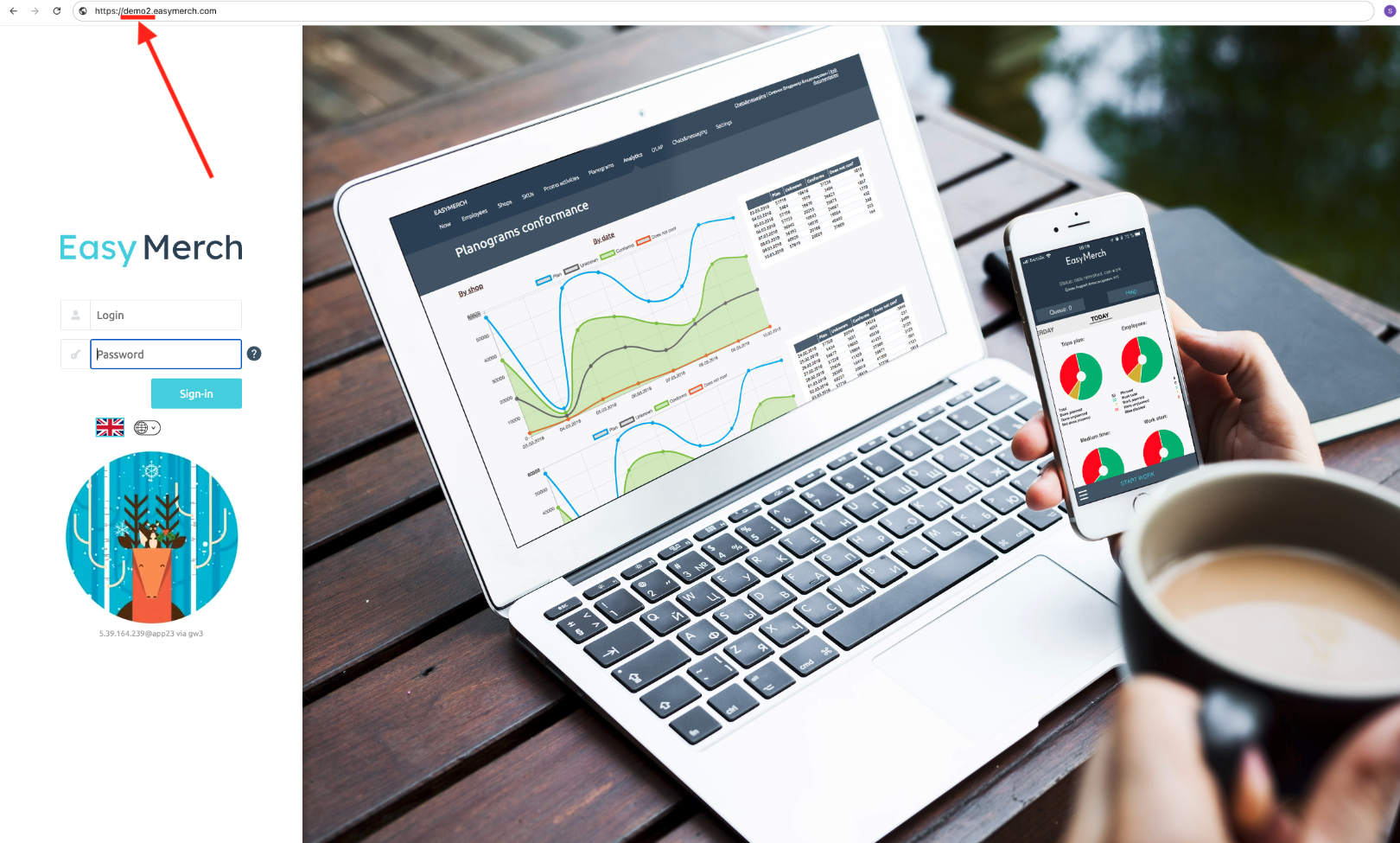
Enter your login and password in the appropriate fields. The data should have been given to you by the company you work for. If the data has been lost, contact the issuer to obtain a new login and password
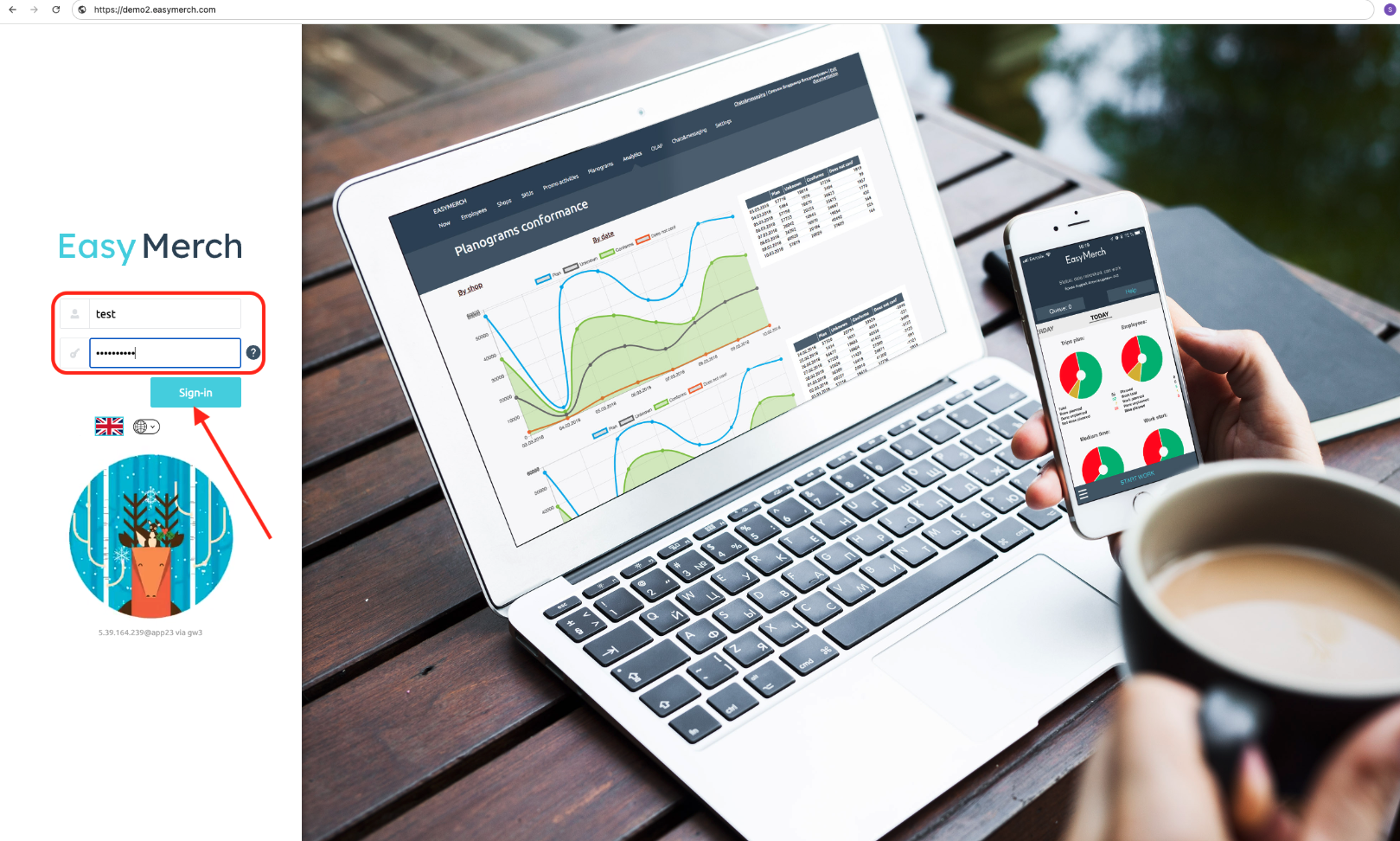
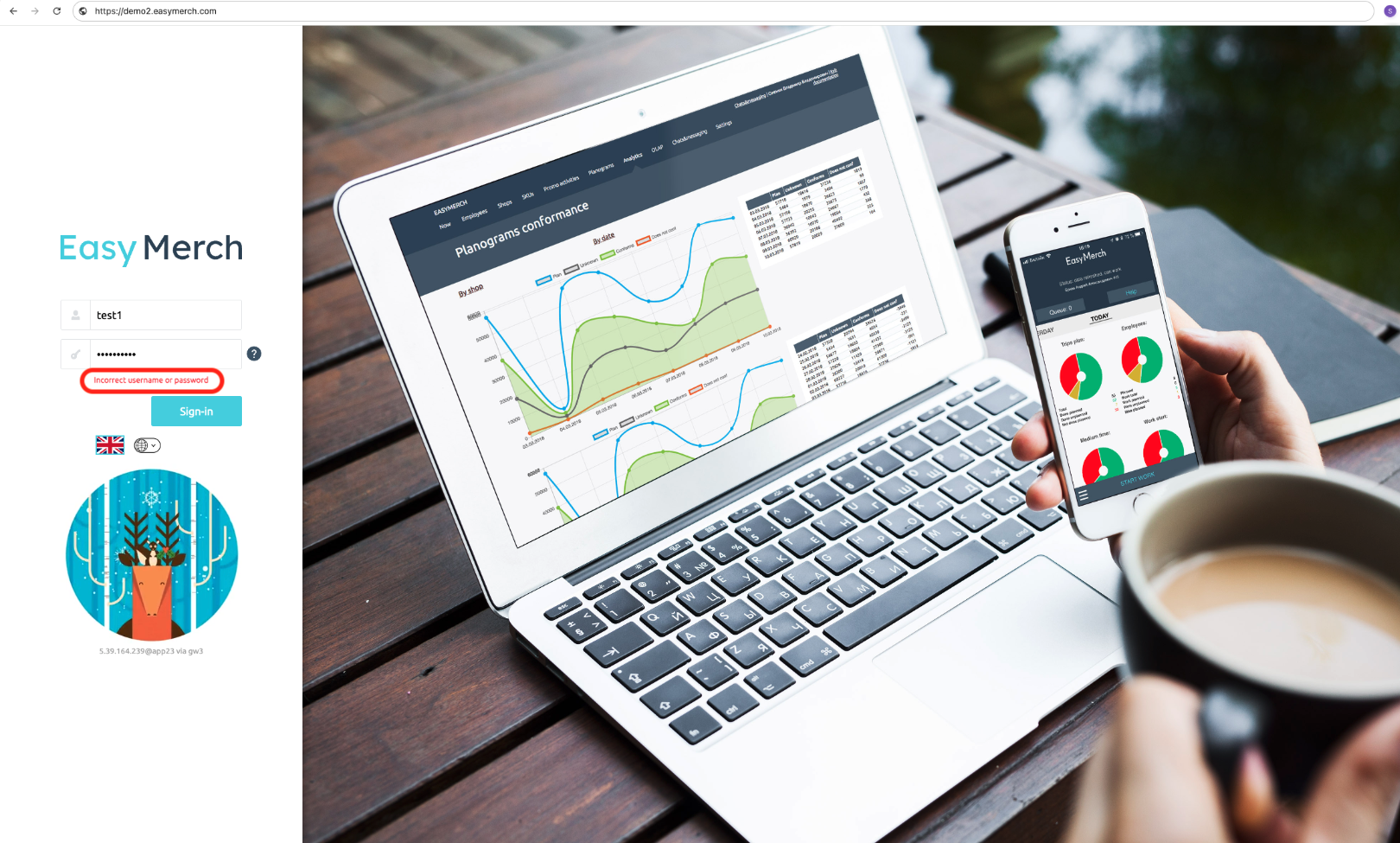
If the red error «إسم المستخدم أو كلمة المرور غير صحيحة» appears, check that the username and password fields have been entered correctly
If after several attempts you still cannot log in, contact the person who sent you the username and password so that they can verify that the data is correct. It is possible that the login is disabled or has not even been created
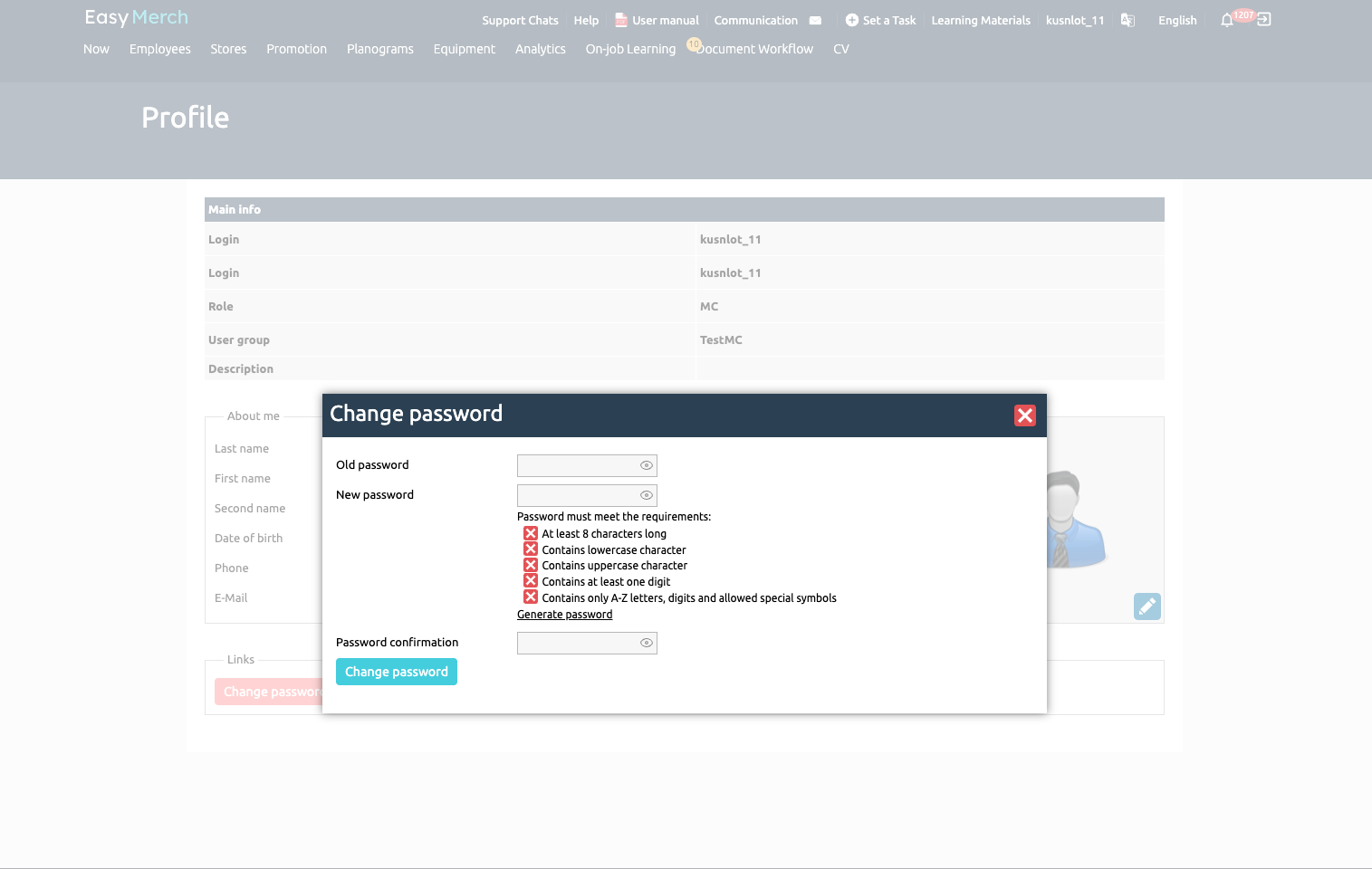
If the password you were given was incorrect and you were assigned a temporary password, enter your username and the temporary password you were given when logging in. Click «تسجيل الدخول»
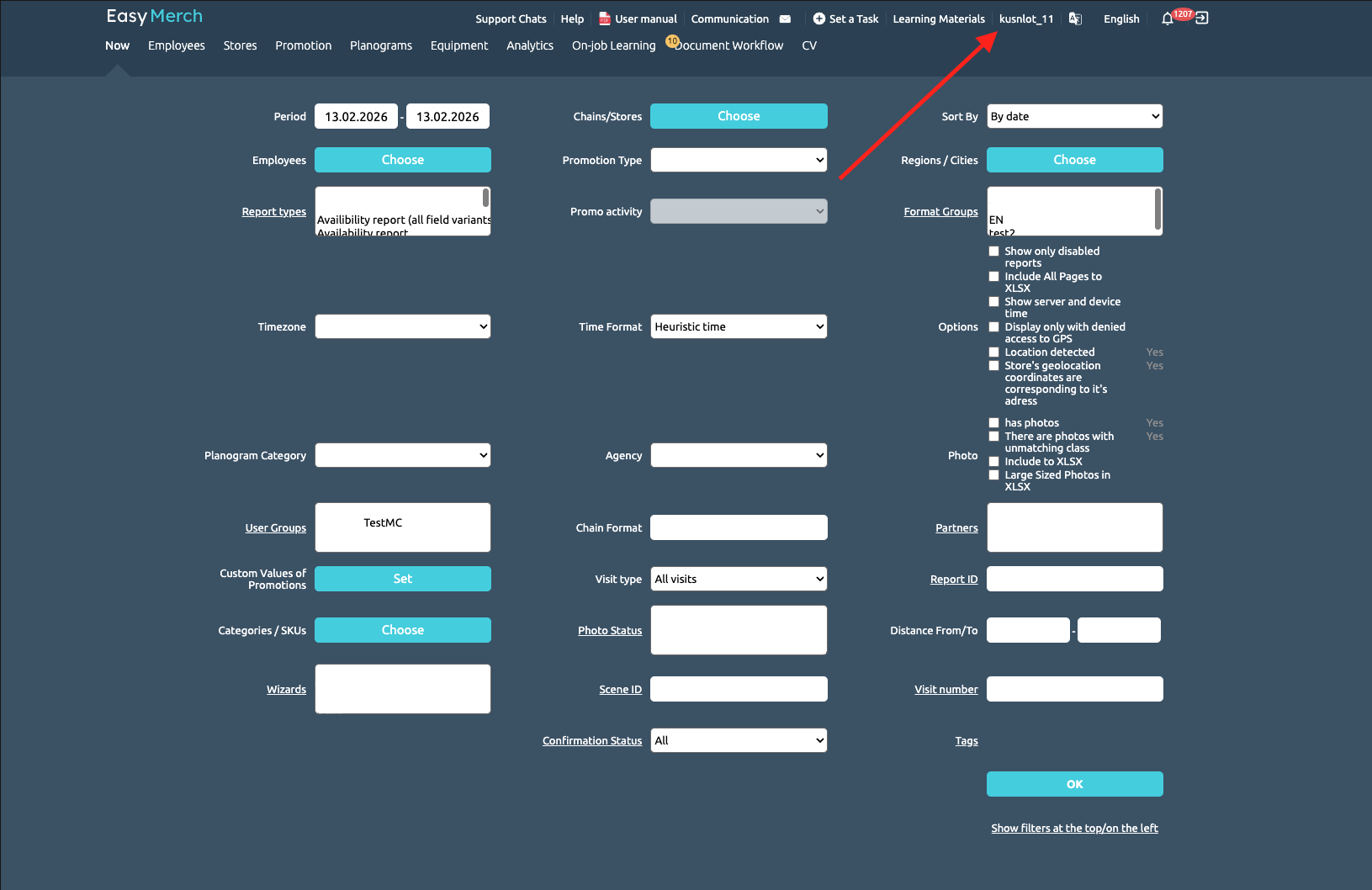
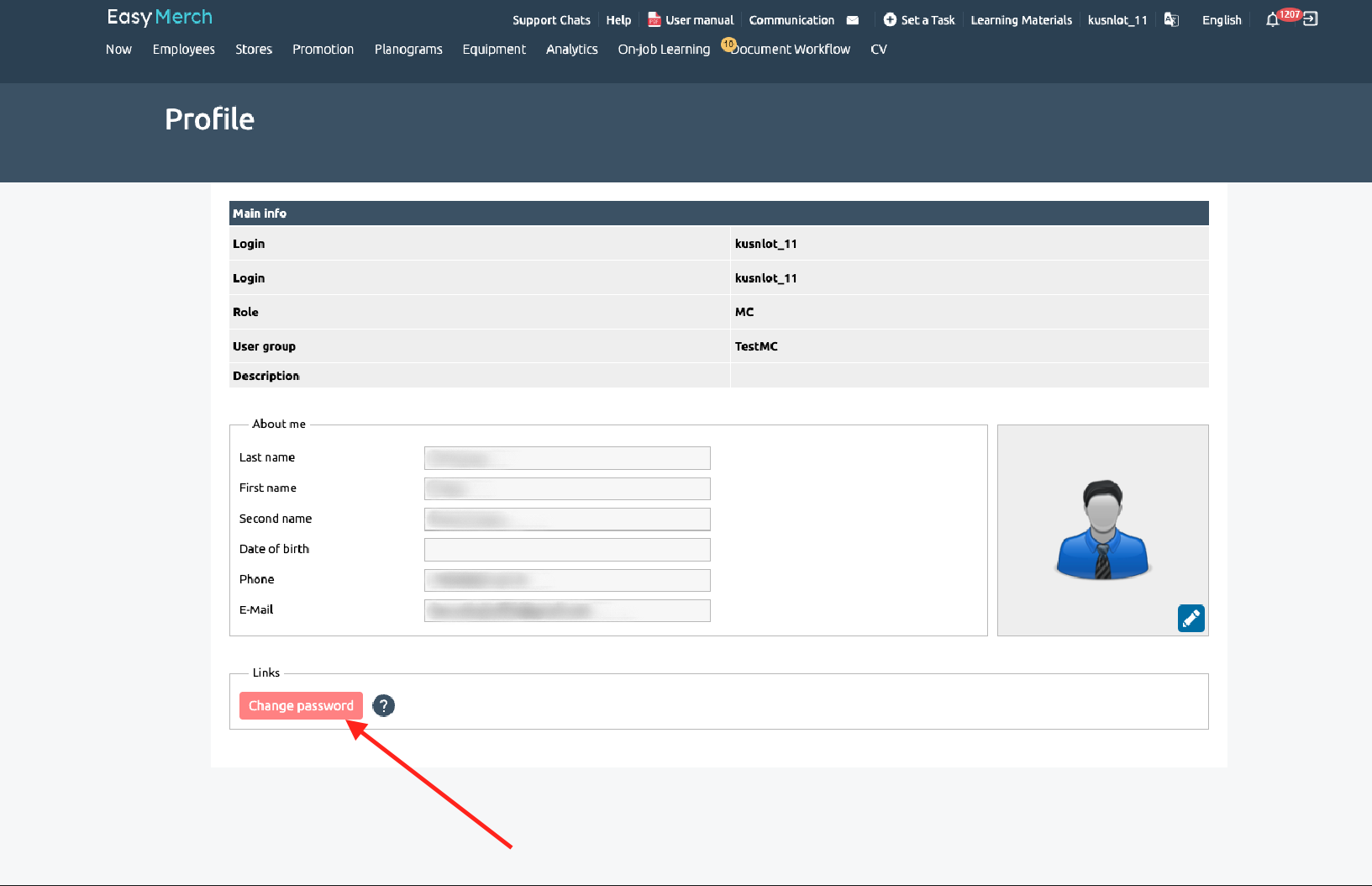
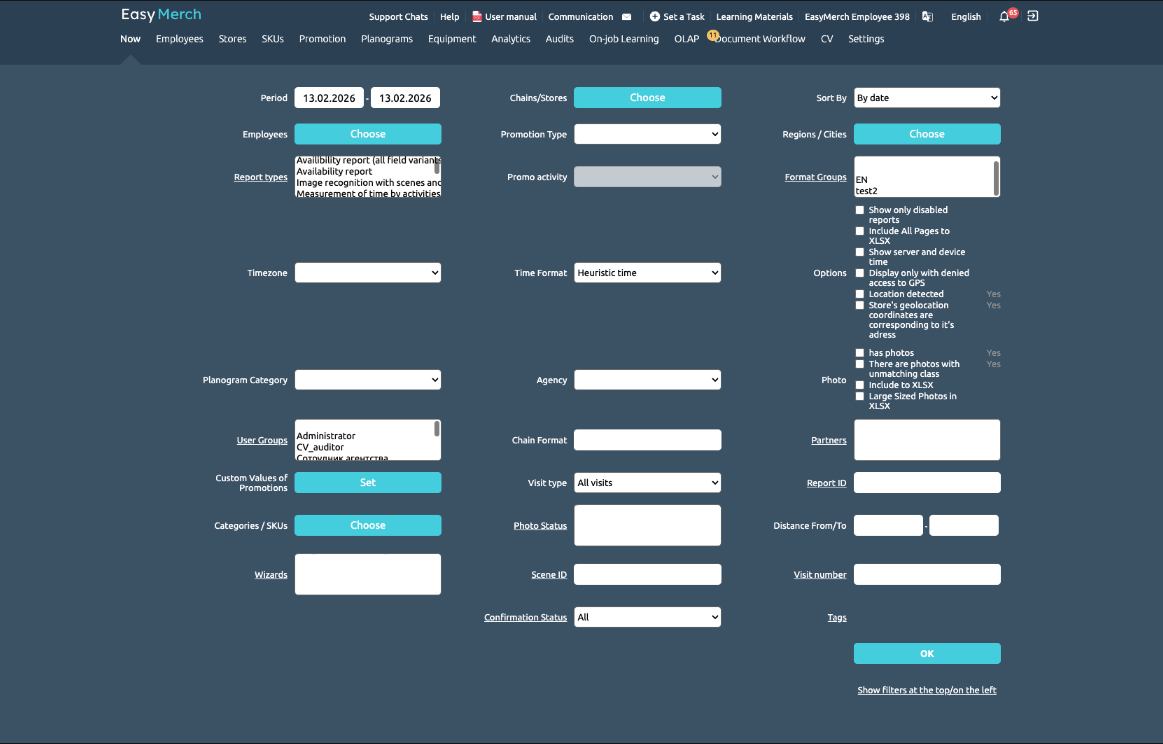
After logging in, you will be taken to your server page. Click your username to go to the «الحساب الشخصى» page.